Creating a home office that is both cozy and productive can make a significant difference in how you work and feel throughout the day. Whether you are working remotely, freelancing, or simply need a dedicated space for managing personal tasks, a well-designed office can enhance focus, reduce stress, and improve overall satisfaction. In this post, we’ll guide you through practical tips for turning any space in your home into a comfortable and efficient work area.
Why a Cozy Home Office Matters
Your home office is more than just a desk and a chair. It’s a space where you spend a significant portion of your day, making it important to craft an environment that supports both your mental well-being and concentration. A cozy atmosphere helps reduce anxiety and makes you look forward to work, while productivity-focused design ensures you accomplish your tasks efficiently.
Step 1: Choose the Right Location
Prioritize Natural Light
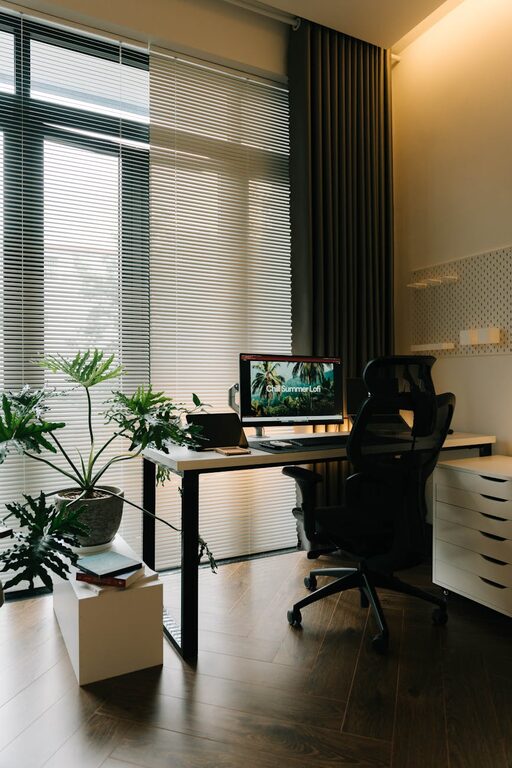
Whenever possible, select a spot near a window. Natural light not only brightens your space but also boosts mood and energy levels. Position your desk to face or be adjacent to the window to enjoy the daylight without glare on your screen.
Consider Noise Levels
Try to find a quiet corner of your home, away from high-traffic areas like the kitchen or living room. This minimizes distractions and helps maintain focus.
Use Vertical Space
If floor space is limited, consider setting up your office near a wall where you can add shelves or storage units vertically, keeping clutter off your desk.
Step 2: Invest in Comfortable Furniture
Desk and Chair
Your desk should be large enough to hold your essentials without being cluttered. Choose an ergonomic chair that supports your back and encourages good posture. Adjustable chairs let you tailor the height and tilt for maximum comfort.
Add Soft Furnishings
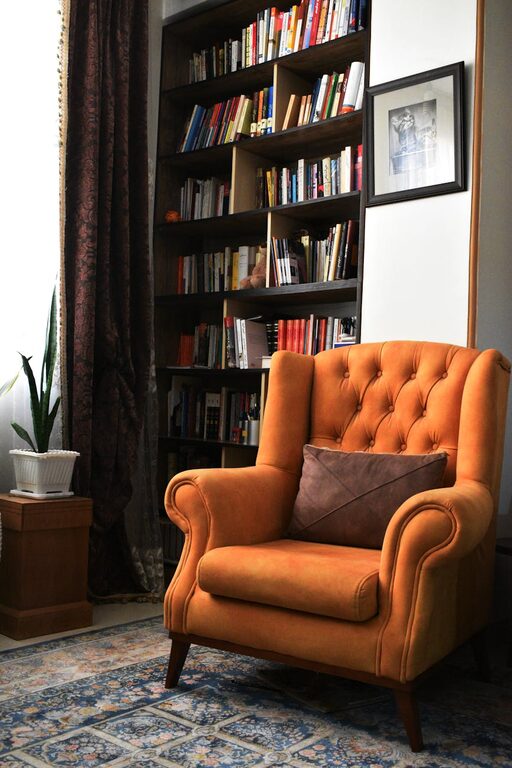
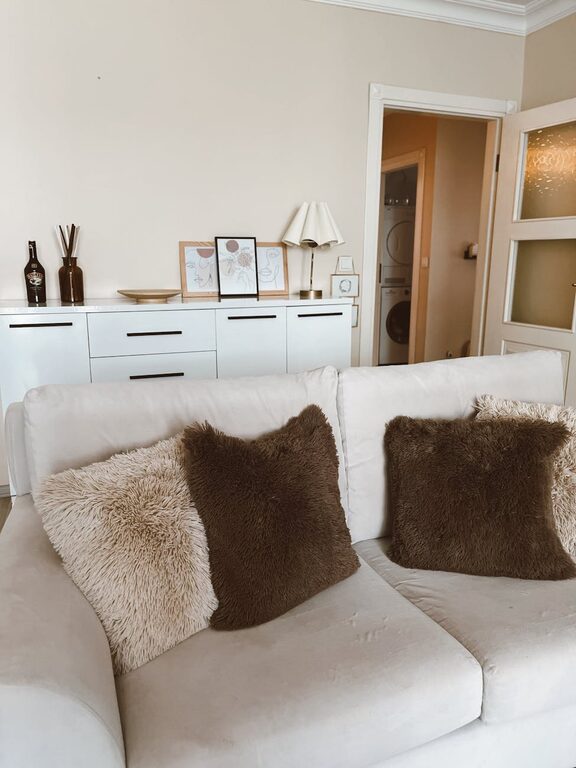
Incorporate cushions, a cozy throw blanket, or a small rug to add warmth to your space. These elements make your office feel inviting without sacrificing professionalism.
Step 3: Organize Your Workspace Smartly
Declutter Regularly
Keep only the items you use daily on your desk. Use drawers or containers to store supplies out of sight.
Use Cable Management
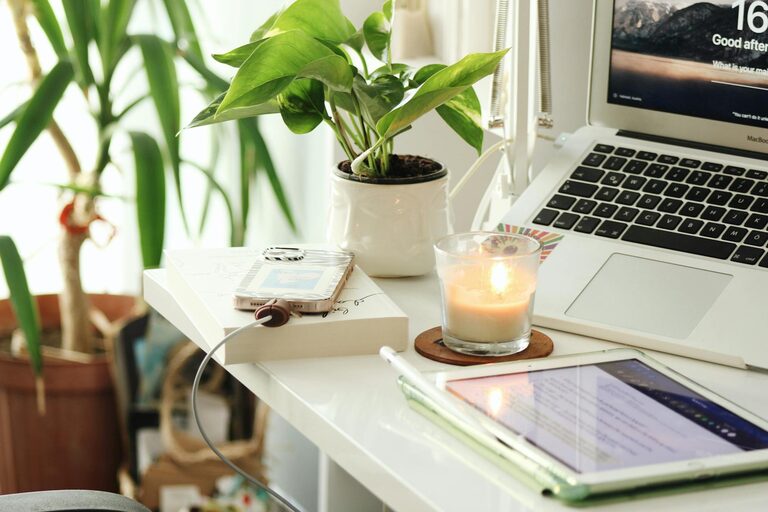
Tangled cables create visual clutter and can be a distraction. Use clips, ties, or under-desk trays to keep cables neat and organized.
Create Zones
Define areas within your office for different tasks, such as computer work, writing, or storage. This helps streamline your workflow and keeps you organized.
Step 4: Enhance Lighting
Layer Your Lighting
Relying solely on overhead lights can cause eye strain. Combine ambient lighting with a desk lamp for focused illumination.
Choose Warm Light Bulbs
Warm lighting creates a calming environment, contributing to the overall cozy feel of your office.
Step 5: Add Personal Touches
Incorporate Plants
Houseplants bring life to your workspace and can improve air quality. Easy-care plants such as succulents or snake plants are great options.
Display Inspiring Items
Photos, artwork, or motivational quotes can make the space uniquely yours and boost your mood during challenging days.
Step 6: Manage Technology Wisely
Keep Essentials Within Reach
Position your computer, phone, and other devices so you can access them easily without overreaching or creating clutter.
Minimize Distractions
Use headphones or white noise apps if ambient sounds disrupt your concentration.
Step 7: Maintain a Consistent Routine
Set Work Hours
Even at home, defining start and finish times can help you stay productive and maintain work-life balance.
Take Breaks
Schedule short breaks to stretch or relax, helping you avoid burnout and keep your energy levels up.
Final Thoughts
Designing a home office that is both cozy and productive involves a balance of comfort, organization, and functionality. Start with the basics of location and furniture, then layer in lighting, technology management, and personal touches. With thoughtful planning, your home office can become a space you enjoy working in every day.
Remember, the best home office is one tailored to your unique needs and preferences. Don’t hesitate to adjust your setup as you discover what works best for you. Happy designing!